
Dynamo-Apply Sheet Issue Revision to multiple sheets (for Revit 20 : 22)
$1.00
Apply a revision to multiple Revit sheets with Dynamo. Just enter the revision sequence number and update all sheets in seconds.
Description
It is compatible with Revit 2020 to 2022.
This Dynamo tool helps you apply a revision to multiple Revit sheets at once.
Instead of manually updating each sheet, you can apply a revision sequence to all selected sheets with one click.
How to use:
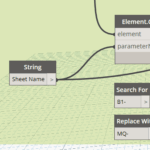
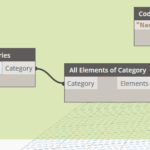
Go to Categories → Sheets to collect all sheets.
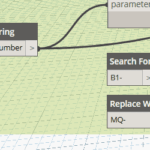
Enter the Revision Sequence Number (e.g.,
1) in the input box.Run the script.
All selected sheets will have that revision automatically applied.
📌 Illustration:
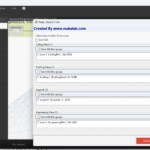
The image shows how the tool takes the revision sequence (e.g., 1) and applies it to all sheets listed in the project’s Sheet Issues/Revisions window.
Example:
Input revision =
1Before: Sheets have no revision.
After: Revision
1is applied across all sheets.
Which Revit version does this script work with?
It is compatible with Revit 2020 to 2022.